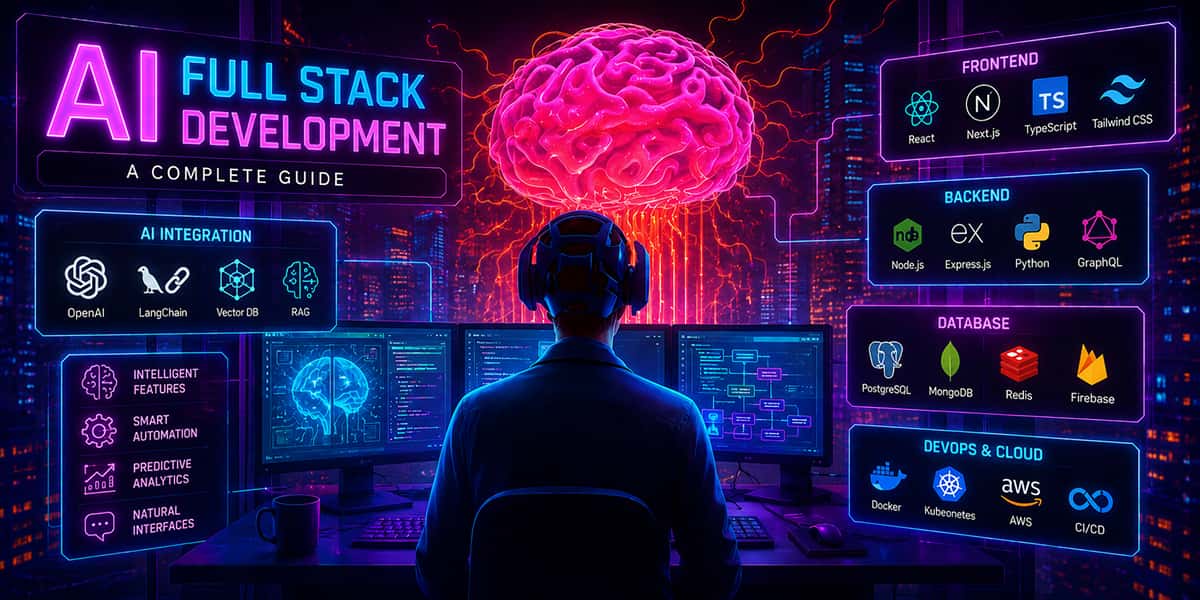
The Future of SaaS Development with AI-Powered Full-Stack
 Naveen KT
AI-powered full-stack development is shaping the future of SaaS. SaaS teams now use AI to build faster, ship more often, and lower costs.
AI helps with:
- frontend screens
- backend APIs
- databases
- tests
- deployment
This guide gives:
- clear steps you can follow
- practical prompts you can copy
- risks to avoid
- best practices for stable SaaS
What Is AI-Powered Full-Stack Development?
AI-powered full-stack development means using AI tools to help build a full product from start to finish.
A SaaS product usually includes:
- Frontend: what users click and see
- Backend: APIs, auth, business rules
- Database: customer data, billing data
- Testing: checks that stop bugs
- Deployment: hosting, releases, monitoring
Simple Definition
AI-powered full-stack development is:
Using AI tools to plan, write, test, and deploy a complete SaaS application.
AI is not a replacement for developers. AI is a helper that speeds up work.
Why AI-Powered Full-Stack Is the Future of SaaS Development
SaaS startups must move fast. They must learn fast. They must ship improvements every week.
AI helps because it removes slow steps.
Here is what changes for a SaaS team
Without AI:
- more time writing boilerplate
- more time searching docs
- more time fixing small errors
- more time writing tests late
With AI:
- faster drafts of code
- faster debugging
- easier test creation
- faster release setup
A simple comparison

This is why many teams say they can build SaaS faster with AI.
AI-Powered Full-Stack for SaaS: What It Means in Real Life
AI-powered full stack for SaaS is not just “AI writes code".
It is a workflow where AI supports every stage:
- planning
- architecture
- coding
- testing
- shipping
What SaaS teams still do (important)
Humans still decide:
- what features matter
- what UX is best
- what is secure
- what should ship now
AI helps you move faster. Humans keep the product correct.
AI Workflow for SaaS Product Development
This is a simple workflow you can repeat for every feature.
Step 1: Turn an idea into a clear spec
Write a small spec first:
- user problem
- main outcome
- must-have features
- not-now features
- success metric
Then ask AI to improve it.
Copy prompt (spec)
- “Turn this idea into an MVP scope with screens, roles, and edge cases.”
This reduces rework later.
Step 2: Use AI-integrated full-stack development for architecture
In AI-integrated full-stack development, you use AI to draft the structure.
Ask AI for:
- a clean tech stack
- folder structure
- API list
- database entities
Copy prompt (architecture)
- “Suggest a simple SaaS architecture with Next.js, Node, and Postgres. Include folder structure and API list.”
Keep it simple. Overdesign slows SaaS teams down.
Step 3: Build UI screens first
Start with core screens:
- login
- onboarding
- dashboard
- settings
- billing
Ask AI for the first draft.
Then do human cleanup:
- consistent UI spacing
- clean naming
- remove extra code
This step is great for AI-native SaaS development because UI work repeats often.
Step 4: Build APIs and business rules
SaaS backend needs strong basics:
- authentication
- roles and permissions
- validation
- error handling
- logs
Ask AI to generate:
- endpoint code
- request/response models
- validation rules
Copy prompt (backend)
- “Create CRUD APIs for projects with role-based access, validation, and clear error responses.”
Then review security.
Step 5: Build the database with AI help.
Ask AI to draft:
- tables
- relations
- indexes
- migrations
Copy prompt (database)
- “Create a Postgres schema for Users, Workspaces, Projects, and Subscriptions. Add indexes and constraints.”
Then validate:
- unique keys
- foreign keys
- correct data types
Step 6: Add tests early with AI prompts for full-stack development
Testing is hard when you are rushed. AI makes it easier.
Ask AI:
- “Write unit tests for this service.”
- “Write API tests for auth endpoints.”
- “List edge cases for billing.”
This step is a major win in AI-driven SaaS development.
Step 7: Ship with AI-assisted DevOps for SaaS
DevOps tasks often block startups. AI can help draft the setup.
Ask AI for:
- Dockerfile
- CI/CD pipeline
- environment variable checklist
- deploy steps
Copy prompt (DevOps)
- “Create a GitHub Actions pipeline for build, test, and deploy. Include staging and production.”
Then test carefully.
Best AI Tools for SaaS Full-Stack Development
You do not need 10 tools. Start with 2 tools and build from there.
ChatGPT (or similar)
Best for:
- planning
- debugging
- code drafts
- documentation
GitHub Copilot
Best for:
- faster coding inside IDE
- autocomplete
- quick refactors
Cursor
Best for:
- editing across files
- understanding a repo
- refactoring with prompts
Replit AI
Best for:
- quick prototypes
- demos
- simple experiments
AI coding agents
Best for:
- scaffolding projects
- repetitive tasks
- test creation
- simple fixes
These are the main AI tools for SaaS developers today.
AI Prompts for Building SaaS Faster
Below are prompts you can copy and use.
Prompts for MVP planning
- “Create an MVP feature list for this SaaS idea.”
- “List user roles and permission rules.”
- “Create user flows for onboarding and billing.”
Prompts for UI
- “Create a React dashboard with a sidebar, cards, and a table.”
- “Create a settings page with validation and error states.”
- “Make this layout responsive and accessible.”
Prompts for backend
- “Create JWT auth with refresh tokens and rate limiting.”
- “Add role-based access control for admin and member.”
- “Create webhooks for Stripe subscription events.”
Prompts for database
- “Suggest tables and relations for a multi-tenant SaaS.”
- “Add indexes for common queries.”
- “Write migration scripts for these tables.”
Prompts for testing
- “Write unit tests for this function and include edge cases.”
- “Write integration tests for login and signup.”
- “Generate test data for billing scenarios.”
Prompts for DevOps
- “Create Dockerfile + docker-compose for local dev.”
- “Create CI pipeline with lint, tests, build.”
- “List required env vars for production.”
These AI prompts for full-stack development help teams move faster.
Real Example: Build a SaaS MVP Using AI-Powered Full-Stack Development
Here is a realistic SaaS MVP path.
A small team builds a customer dashboard with billing.
Week without AI (common)
- 1–2 days: architecture + setup
- 3–5 days: UI screens
- 3–6 days: APIs + DB
- 2–4 days: bugs + test setup
- 1–2 days: deployment + fixes
With AI (common result)
- day 1: spec + architecture + schema draft
- day 2: UI drafts + API scaffolds
- day 3: tests + bug fixes
- day 4: deploy + polish
This is how teams build SaaS faster with AI.
AI does not remove all work. It removes a lot of slow work.
Risks in AI-Powered SaaS Development and How to Fix Them
AI helps, but it can also create problems. Here are the main risks and fixes.
Risk 1: Weak security
AI might miss:
- input validation
- access control
- secure password handling
Fix
- review all auth code
- add rate limiting
- add permission checks
- run security tests
Risk 2: Copy-paste without review
AI code can look correct but fail later.
Fix
- always code review
- run lint checks
- add tests
- use staging before prod
Risk 3: Outdated patterns
AI may generate older code styles.
Fix
- follow your stack rules
- use a code template
- enforce with linters
Risk 4: Hidden edge cases
SaaS has tricky cases like:
- billing retries
- subscription upgrades
- role changes
- deleted users
Fix
- ask AI for edge cases
- write tests for each edge case
- add monitoring logs
Best Practices for AI-Native SaaS Development
1) Treat AI output as a first draft
AI drafts fast. Humans make it correct and secure.
2) Use checklists for every release.
A simple SaaS release checklist:
- migrations run
- env vars set
- error tracking enabled
- logs are clean
- rollback plan exists
3) Build reusable components early
A reusable UI kit saves time:
- buttons
- inputs
- modals
- alerts
- tables
Ask AI to help build the kit. Then reuse it across features.
4) Keep architecture simple
SaaS grows fast, but MVP should be simple.
Avoid:
- too many microservices early
- complex event systems early
- too many tools early
Start small. Grow later.
What the Future of SaaS Development with AI Looks Like
The future will bring more AI support.
1) More autonomous coding agents
Agents will:
- build features across many files
- run tests
- fix errors
- open pull requests
Developers will guide and approve.
2) AI-assisted DevOps for SaaS will be normal
AI will help with:
- monitoring alerts
- performance tuning
- scaling suggestions
- incident summaries
3) Smaller teams will ship bigger products.
AI will make small teams more powerful. This changes how SaaS startups hire.
What SaaS Founders Should Do Next
If you are building SaaS, start here:
- pick 1 AI tool (ChatGPT or Copilot)
- use AI for drafts and tests
- keep strict reviews for security
- ship faster, learn faster
Simple rule:
Let AI draft. Let humans decide.
Final Thoughts
The future of SaaS development with AI-powered full-stack is already here.
AI helps SaaS teams:
- ship faster
- reduce cost
- improve testing
- build with smaller teams
The best teams will not “replace developers". They will upgrade how developers work.
Want to build SaaS faster with AI-powered full-stack development?
At InfiniApps.ai, we help startups plan, build, test, and launch scalable SaaS products using modern AI-assisted workflows.
Talk to our team at InfiniApps.ai